ShiftInbox article
Benvenuto in ShiftInbox: Guida al Sync Multi-Turni
Scopri come ShiftInbox trasforma screenshot di turni in un flusso Apple Calendar con OCR sul dispositivo.
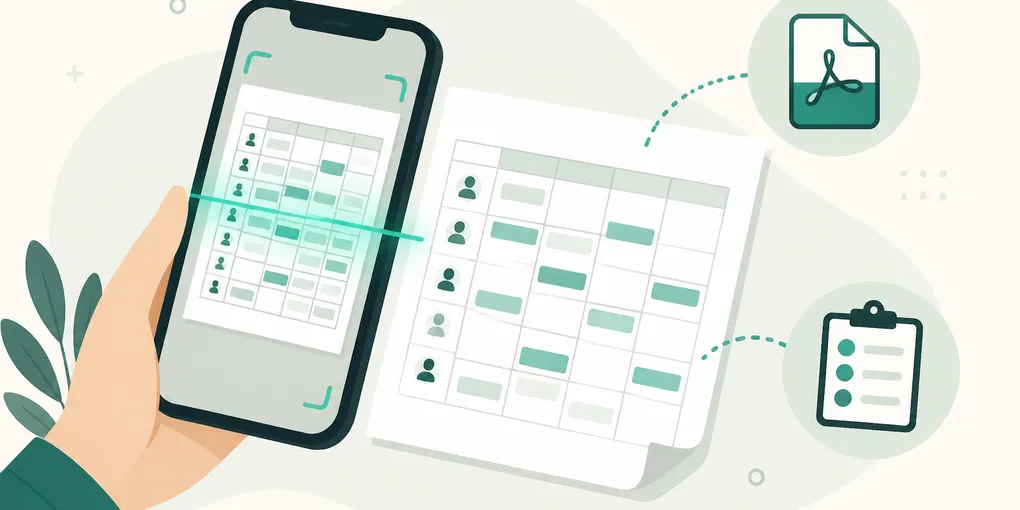
If you work shifts—whether in healthcare, retail, logistics, or across multiple part-time jobs—you know the pain of messy roster screenshots, last-minute schedule changes, and manually typing shifts into your calendar.
ShiftInbox: Multi-Shift Sync is built for exactly this problem.
What ShiftInbox Does
ShiftInbox reads schedule screenshots, PDFs, copied group messages, and ICS calendar files on your iPhone using Apple Vision OCR. Your employer data never leaves your device—no login, no employer backend, no external AI service.
After import, ShiftInbox compares the new schedule with your previous version:
- Green = newly added shifts
- Orange = time changes
- Red = cancellations or conflicts (blocked before syncing)
You review every change, then apply only what you approve to Apple Calendar.
Why On-Device OCR Matters
Many apps upload your schedule photos to cloud servers for processing. ShiftInbox keeps everything local. This means your employer roster stays private, and you can import schedules even without a reliable internet connection.
Free to Try, Pro for Life
You get two complete imports free, including manual review, conflict blocking, and basic calendar sync. Failed or cancelled imports do not count against your allowance.
Lifetime Pro is a one-time purchase—no subscription. It unlocks unlimited imports, multiple employers, import history with rollback, screenshot detection, iCloud sync, widgets, and more.
Get Started
- Download ShiftInbox on the App Store
- Import your first schedule screenshot or PDF
- Review the diff, then sync to Apple Calendar
Have questions? Check our FAQ or read the Privacy Policy.